Stock Counting with Barcodes and QR Codes: Speed and Accuracy in the Warehouse
Goods receipt, putaway, stock counts and transfers with barcodes and QR codes: what mobile stock operations with a phone camera bring to the warehouse and how to set them up.
In many businesses, stock counting happens once a year, stops the warehouse for days and still ends with discrepancies. Mobile stock operations with barcodes and QR codes turn counting into a routine, fast task split into small parts. And you may not even need expensive handheld terminals: modern phone cameras read barcodes and QR codes quickly.
Barcode or QR code?
- Barcode (EAN, Code128): Usually already printed on products; one-dimensional and carries the product code.
- QR code: Holds more information and remains readable even when damaged; ideal for shelf, location and internal labels.
In practice both are used together: the product's own barcode is scanned, then the shelf's QR label, and the system links the product to that shelf.
Steps of mobile stock operations
Goods receipt
Incoming products are scanned and compared with the purchase order. Missing or extra items appear instantly.
Putaway
The shelf's QR label is scanned, then products are scanned to place them at that location. You now know which shelf every product is on.
Picking and dispatch
Order items are listed in shelf sequence; every scanned product is verified, preventing wrong shipments.
Cycle counting
Instead of stopping the whole warehouse, a few shelves are counted every day. Scanned quantities are compared with the system and differences are reported.
Transfers
Moves between warehouses or shelves are done by scanning; stock is updated on both sides instantly.
What you need for setup
- Clean product records: Every product needs a unique code and barcode.
- Shelf addressing: Define a location scheme such as A-01, B-03.
- Label printing: Print shelf and product labels in bulk from the system.
- Permissions: Warehouse staff should only be able to perform the relevant operations.
- Short training: With a simple mobile interface, training takes hours rather than days.
An example from practice
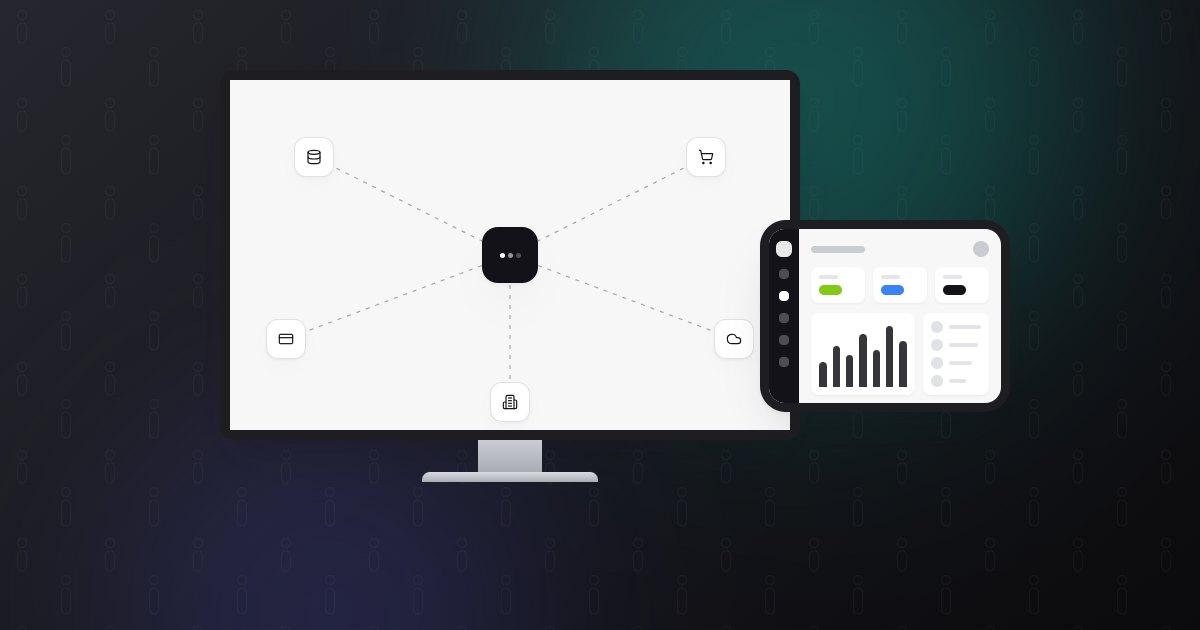
In the OSAK Business Management System, shelf-level stock, counts, goods receipt and transfers are done from a phone with barcodes and QR codes. The "scan, sell, count" approach shortens time spent in the warehouse while improving stock accuracy. Likewise, Randevul, which we built for auto repair shops, uses part and shelf labels in the same way.
For the overall framework of stock management, read our article on inventory and warehouse management software; for a solution tailored to your warehouse, explore our custom software service or contact us.