Inventory and Warehouse Management Software: A Guide for SMEs
Real-time stock, barcode operations, bin locations, reorder alerts, lot tracking and integrations: what to expect from inventory and warehouse software.
Items that show as in stock but are not on the shelf, wrong shipments, operations frozen on stock-count days... Inventory managed in spreadsheets becomes uncontrollable as a business grows. Inventory and warehouse management software makes every movement traceable, from goods-in to dispatch.
Inventory Management vs. Warehouse Management
- Inventory management: How much do you have, when should you reorder, what does it cost?
- Warehouse management (WMS): Where exactly is the item, how should it be picked and in what order should it ship?
For small businesses inventory management may be enough; multi-rack, multi-warehouse operations need warehouse management.
Core Features
1. Real-time stock
Sales, returns, production and transfers are reflected in stock levels instantly, with multiple warehouses and sales channels on one screen.
2. Barcode and QR operations
Receiving, putaway, picking and shipping by scanning barcodes with a handheld terminal or phone camera dramatically reduces errors.
3. Bin location management
You know which rack, aisle and bin every item is in, and pick lists can follow the shortest route.
4. Low-stock alerts and reorder suggestions
Alerts for items below their minimum level and reorder suggestions based on past sales velocity.
5. Lot, serial number and expiry tracking
In food, cosmetics, pharma and spare parts, traceability is mandatory.
6. Stock counts
Cycle counts section by section without stopping the whole warehouse, with variance reports.
7. Reporting
Stock turnover, dead stock, best sellers and per-warehouse valuation reports.
Integrations: A Single Source of Truth
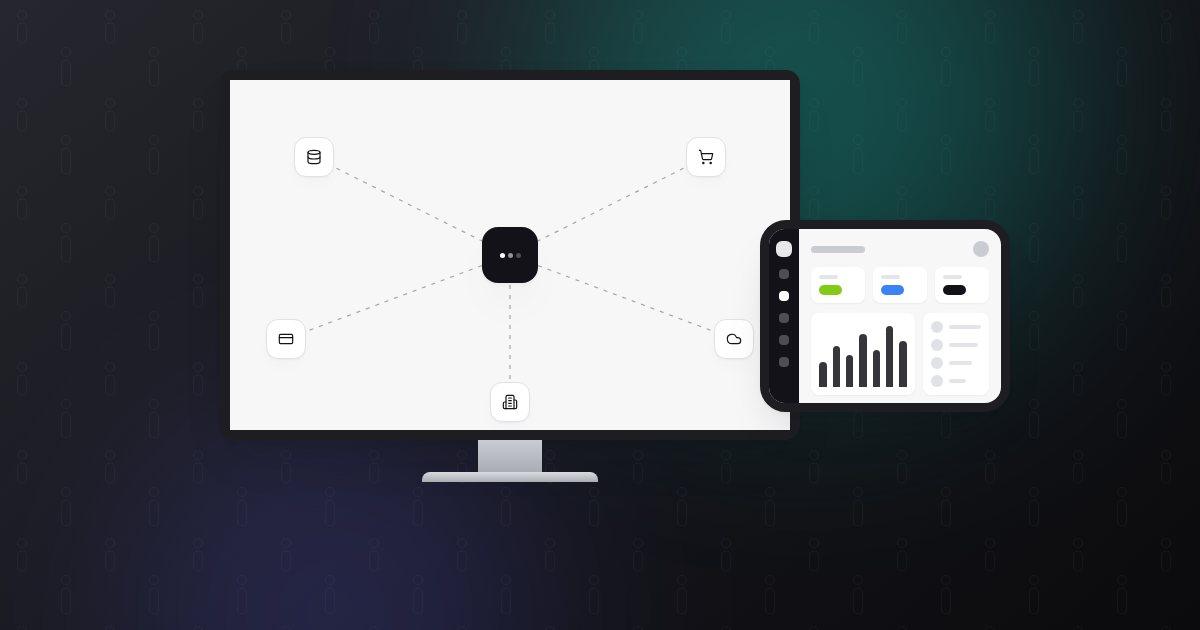
Inventory software should not work alone; it should connect with your e-commerce site, marketplaces, accounting/ERP and carriers. Otherwise the same data looks different in different systems. See marketplace integration and system integration.
Off-the-Shelf or Custom?
Ready-made software is a good start for standard processes. If inventory is intertwined with production, you have special packing rules or you need deep integration with existing systems, custom software may be more efficient. For a decision framework: custom software vs. off-the-shelf.
Demand Forecasting with AI
Forecasting models that use past sales, seasonality and campaign calendars can suggest what to order and when, reducing both carrying costs and stock-outs.
An Example from Practice
In the business management system we built for OSAK Steel Wire Rope and Hardware, shelf-level stock, counts, goods receipt and transfers are handled from a phone with barcodes and QR codes, while stock, sales and customer accounts work in the same panel.
Conclusion
The right inventory and warehouse software reduces count losses, wrong shipments and excess stock that ties up cash. For a solution built for your business, see our custom software service or fill in the contact form.